Article
Vitally (beta)
1 min read
Last updated 4 months ago
Unthread’s integration with Vitally gives you a clear picture of your customer communication by allowing you to sync customer conversations from Unthread to Vitally.
How it works
The integration works by syncing Unthread conversations to Vitally and associating them with the correct customer.
Installation
- From your Vitally dashboard, generate a Basic API key
- In your Unthread dashboard, navigate to the “Settings” -> “Automations” page, and select the “Configuration” tab
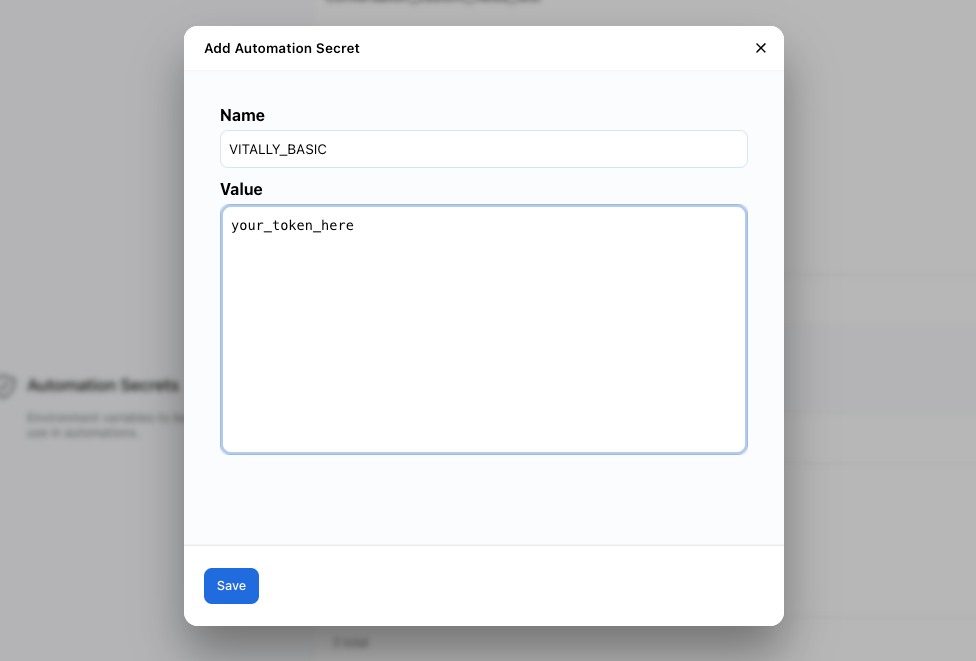
- Under “Automation Secrets”, click ”+ Add Secret”
- Add a new secret with the following key/value pair:
- Key:
VITALLY_BASIC - Value: The API key you generated in step 1
- Key:
- Contact your Unthread account manager to enable the integration!