Connecting to Slack
🚀 Installing the Unthread App for Slack
Unthread is an app for Slack that can instantly track and resolve issues that come in through Slack channels or DMs with the bot.
ℹ️ To install the app, go to https://yourcompany.unthread.io/dashboard/settings/slack
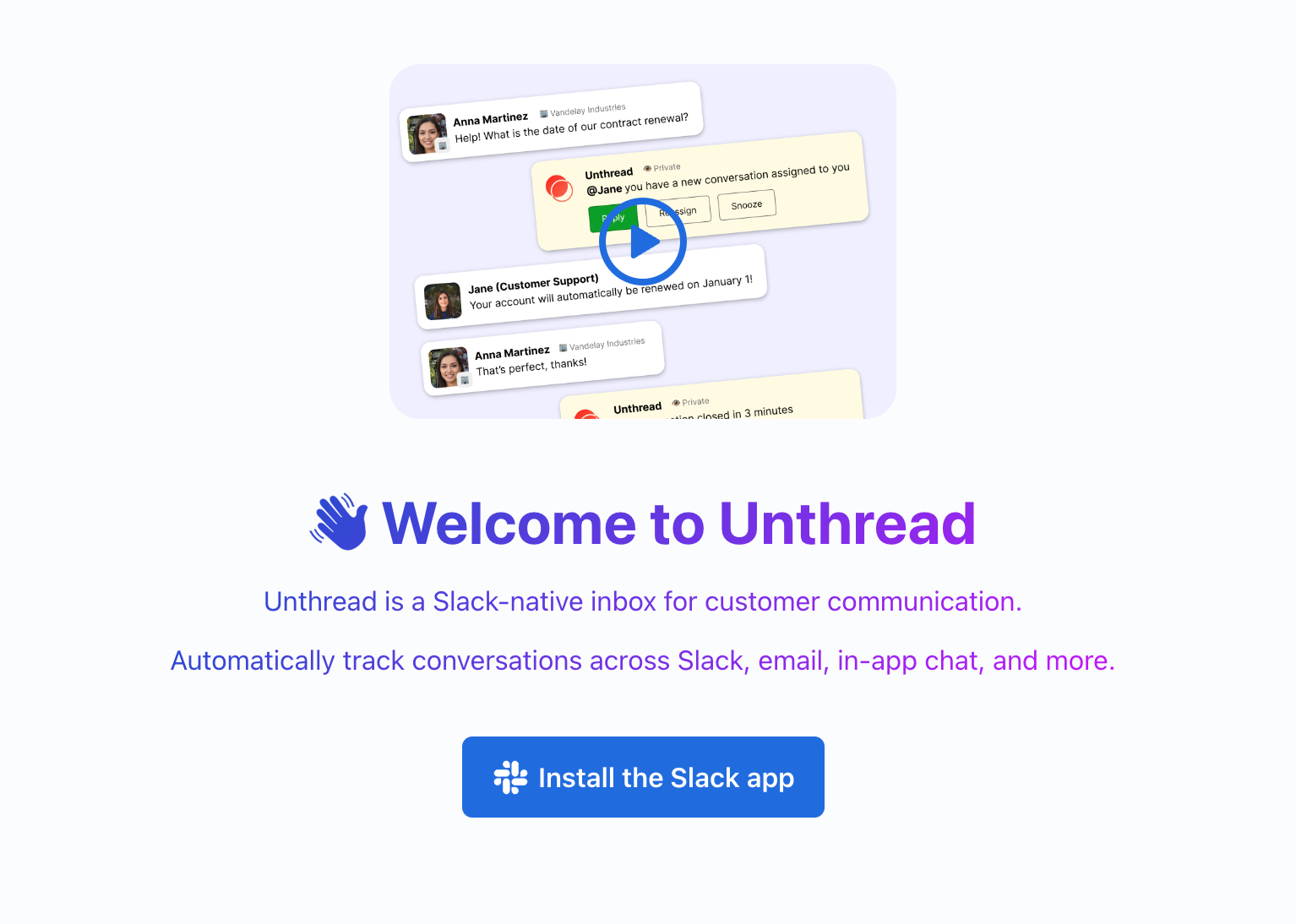
This will bring you to a confirmation screen in Slack that asks you to allow Unthread to access your Slack account.
ℹ️ Click here for a full breakdown of all the permissions used by Unthread.
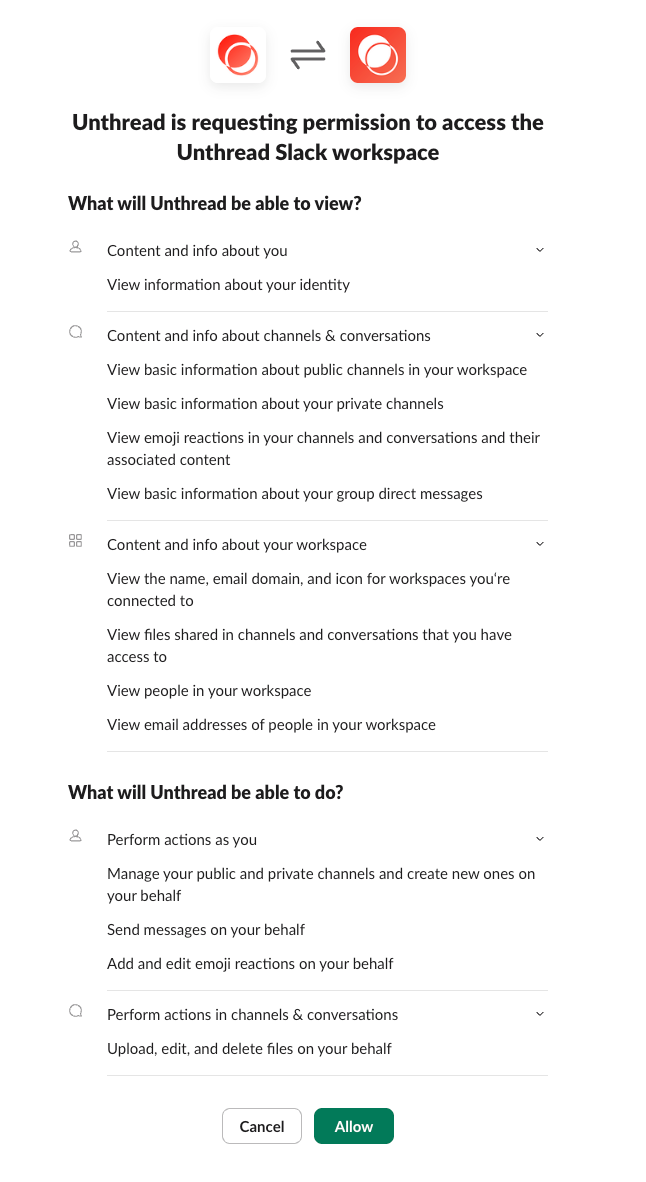
Click “Allow” and you’re done! You’ll see the app is now live in your Slack account.
➡️ Next step*: add Unthread to your first customer channel to start tracking conversations.*
🤖 Slack’s AI Assistant
Unthread also integrates with Slack’s new AI Assistant functionality so you can ask questions right from the sidebar of any channel. Learn more about Unthread AI here, and note that sometimes AI can generate inaccurate information.
🔓 Let’s talk about pri-va-cy, let’s talk about you and me 🎶
Privacy, transparency, and trust are key values here at Unthread. We are fully SOC2 Type II compliant, and we only request permissions that we absolutely need to provide the best service to you. We also only use these permissions in obvious ways that you approve. Here are some permissions and how we use them:
The Perform actions as you permission
What we do: manage channels and channel members so we can add new customers. What we don’t do: we don’t post things pretending to be you unless you use our web inbox to reply to messages.
The Content and info about channels & conversations permission
What we do: we listen for messages in channels that you’re tracking so we can create new tickets and assignments, What we don’t do: We don’t listen to messages in any other channels (in fact, this permission ensures that we couldn’t even if we tried!)
Security Documentation
More information can be found on our website.
🤔 Any other questions? Reach us on Slack or at [email protected], or visit our privacy policy for more detail.